
This is the practical step-by-step path to a funded Polymarket account: sign-up flow, wallet setup, USDC funding on Polygon, security setup, and your first prediction. Total time end-to-end: 15-30 minutes active, plus deposit confirmation time.
Not financial advice. Prediction markets are a form of speculation. Outcomes can resolve against you, and obscure markets can be illiquid. Verify rules in your jurisdiction before depositing.
Before you start: country availability
Polymarket’s regulatory status changed materially in 2024-2025. After a CFTC settlement and the acquisition of a regulated US derivatives venue, US access is offered through a separate regulated entity as of 2026, with state-level eligibility and KYC requirements. International access via the main Polymarket interface is broad but excludes a small set of sanctioned and restricted jurisdictions.
Verify availability for your country on Polymarket’s site before depositing. Do not use a VPN to bypass restrictions - accounts caught circumventing geographic eligibility can be locked, and on-chain funds linked to fraud can become difficult to off-ramp.
What is Polymarket, in one paragraph
Polymarket is a prediction market: each market asks a yes/no question about a real-world outcome (election results, sports outcomes, crypto price thresholds, geopolitical events, Fed decisions). Users buy shares of YES or NO at prices between 1¢ and 99¢ - the price reflects the market’s implied probability. When the market resolves, winning shares pay out 1 USDC each; losing shares are worth 0. Trading is fee-free at the protocol level and runs on Polygon in USDC. There is no leverage, no liquidation, and no copy trading - it is a self-directed product.
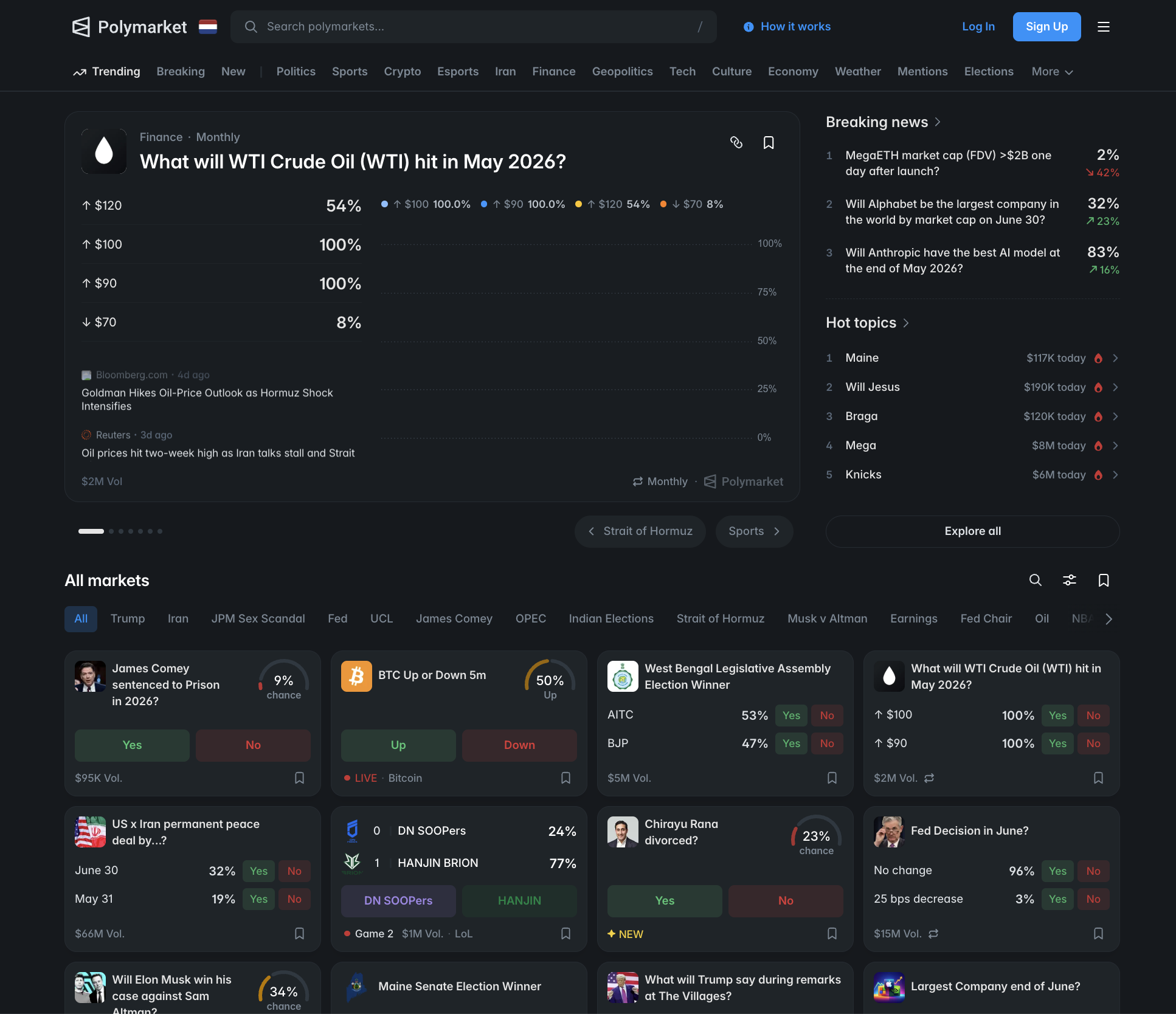
Open Polymarket: Sign up on Polymarket
Step 1: Open Polymarket and click Sign Up
Open the Polymarket site and click Sign Up in the top-right corner. The mobile experience is a progressive web app - you can save it to your home screen for app-like behaviour without a separate app install in most regions.
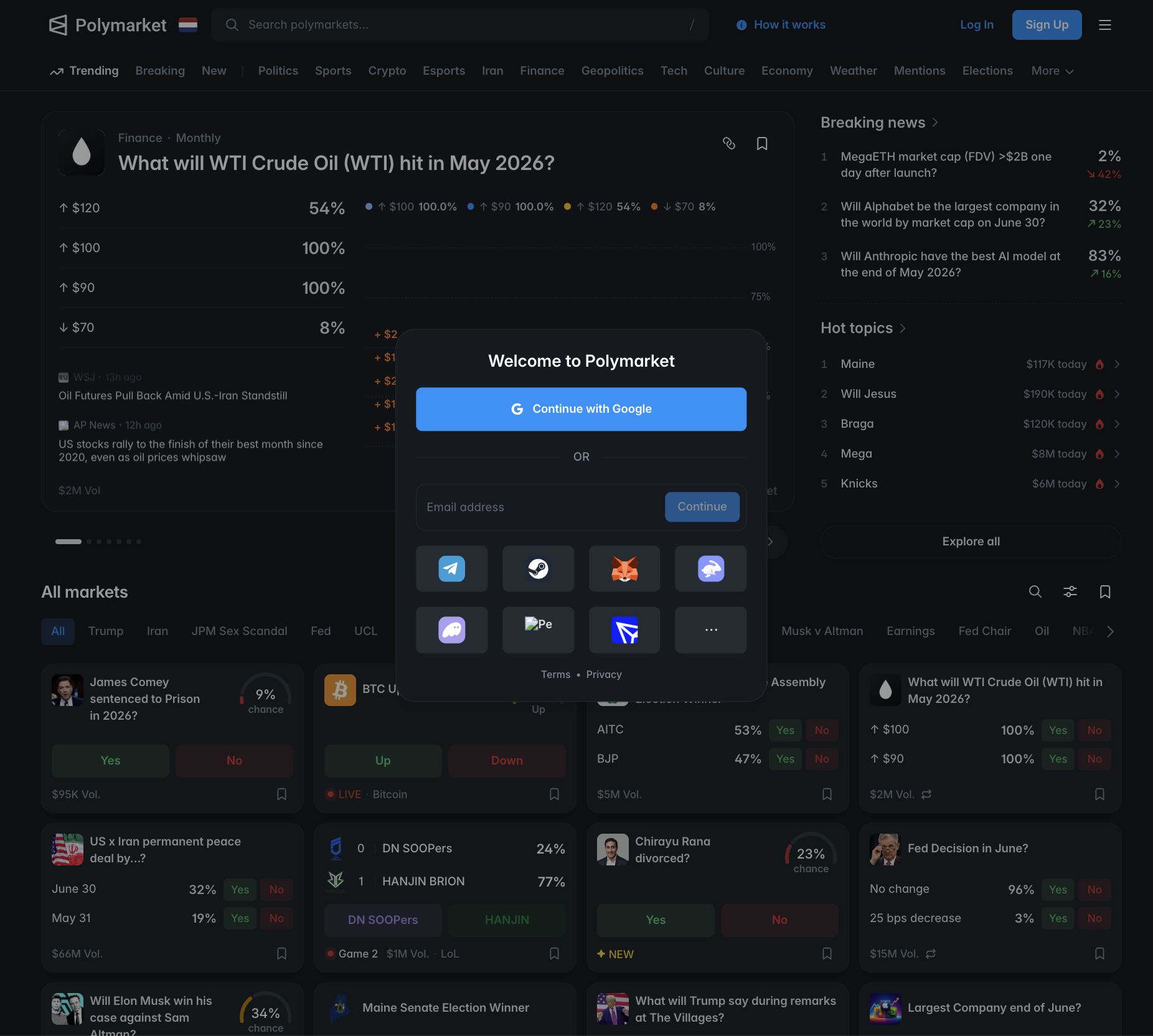
Step 2: Choose your sign-up method - email or wallet
Polymarket offers two sign-up paths. Both end in the same place - a Polygon wallet holding USDC - but the security model and recovery flow differ.
Option A: Email (recommended for new users). Polymarket creates an embedded wallet for you in the background. You sign in with a magic link sent to your inbox; the platform manages the key material via Magic Link / Privy infrastructure. Pro: simple, no seed phrase to lose, password-recovery via email. Con: custodial-feeling - if you lose access to the email account, recovery becomes a support process.
Option B: External wallet (recommended for crypto-native users). Connect MetaMask, WalletConnect, Coinbase Wallet, or another supported provider. Pro: full self-custody, you hold the keys, portable across dApps. Con: you are responsible for seed-phrase backup. If you lose it, funds are gone.
If this is your first crypto product, choose Email. You can migrate to an external wallet later by exporting the embedded wallet’s private key.
Step 3a: Email path - magic link verification
Enter your email and click Continue. Polymarket sends a magic link (a one-time login URL) to your inbox. Open the email - sender should be noreply@polymarket.com or similar - and click the link within ten minutes. Your account is created and you land in the dashboard.
If the email does not arrive within two minutes, check your spam folder. If it is still missing, request a new link. Some corporate inboxes silently reject Magic Link emails - use a clean address if you hit this.
Step 3b: Wallet path - connect MetaMask or WalletConnect
Click Connect Wallet and choose your provider. MetaMask will pop up its connection prompt - review the requested permissions (Polymarket only needs read access plus signing for trades) and approve. Polymarket will prompt you to switch your wallet to the Polygon network if it is not already on it. Approve the switch.
Your wallet address now appears in the Polymarket header. You are ready to fund.
Step 4: Secure the account
Security setup depends on which path you chose in Step 2.
For Email-based accounts:
- Enable 2FA on the email address itself (Gmail, ProtonMail, iCloud, etc.). Email is now your master credential.
- Set a strong unique password on the email, generated and stored in a password manager.
- Use Google Authenticator for 2FA, not SMS - SIM-swap attacks are a real vector.
- Optional but recommended: export the embedded wallet’s private key and back it up offline. Polymarket’s settings menu offers this export. Treat it like cash - anyone with the key controls the funds.
For External-wallet accounts:
- The seed phrase you saved when you created the wallet is the master credential. Store it offline (steel plate, paper in a safe), never photograph it, never type it into any website except your wallet’s own recovery flow.
- Enable a wallet password / biometric lock on the device.
- Consider a hardware wallet (Ledger, Trezor) for larger balances - connect it through MetaMask.
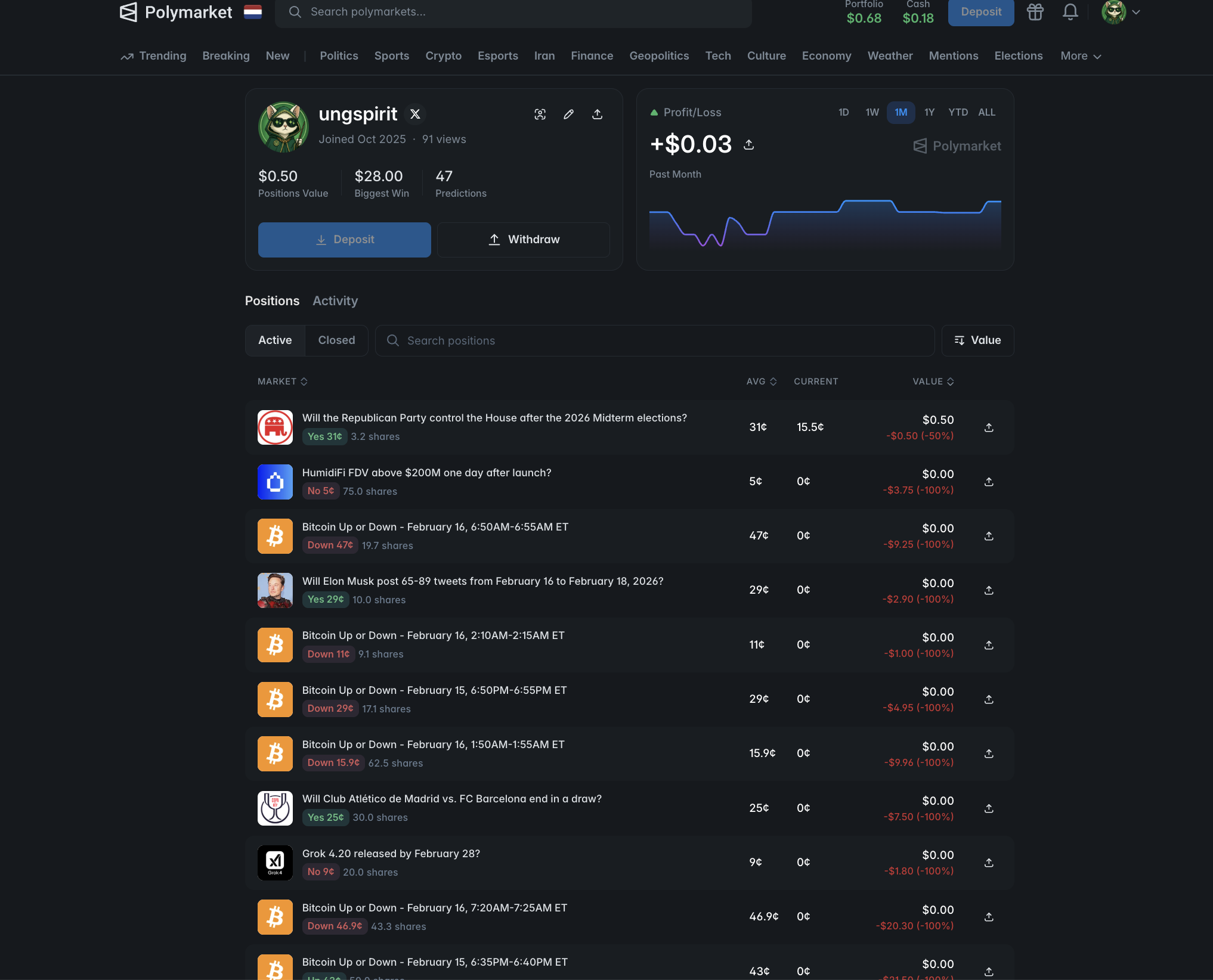
Step 5: Fund your account with USDC
Polymarket settles in USDC on Polygon. Two paths to get funded:
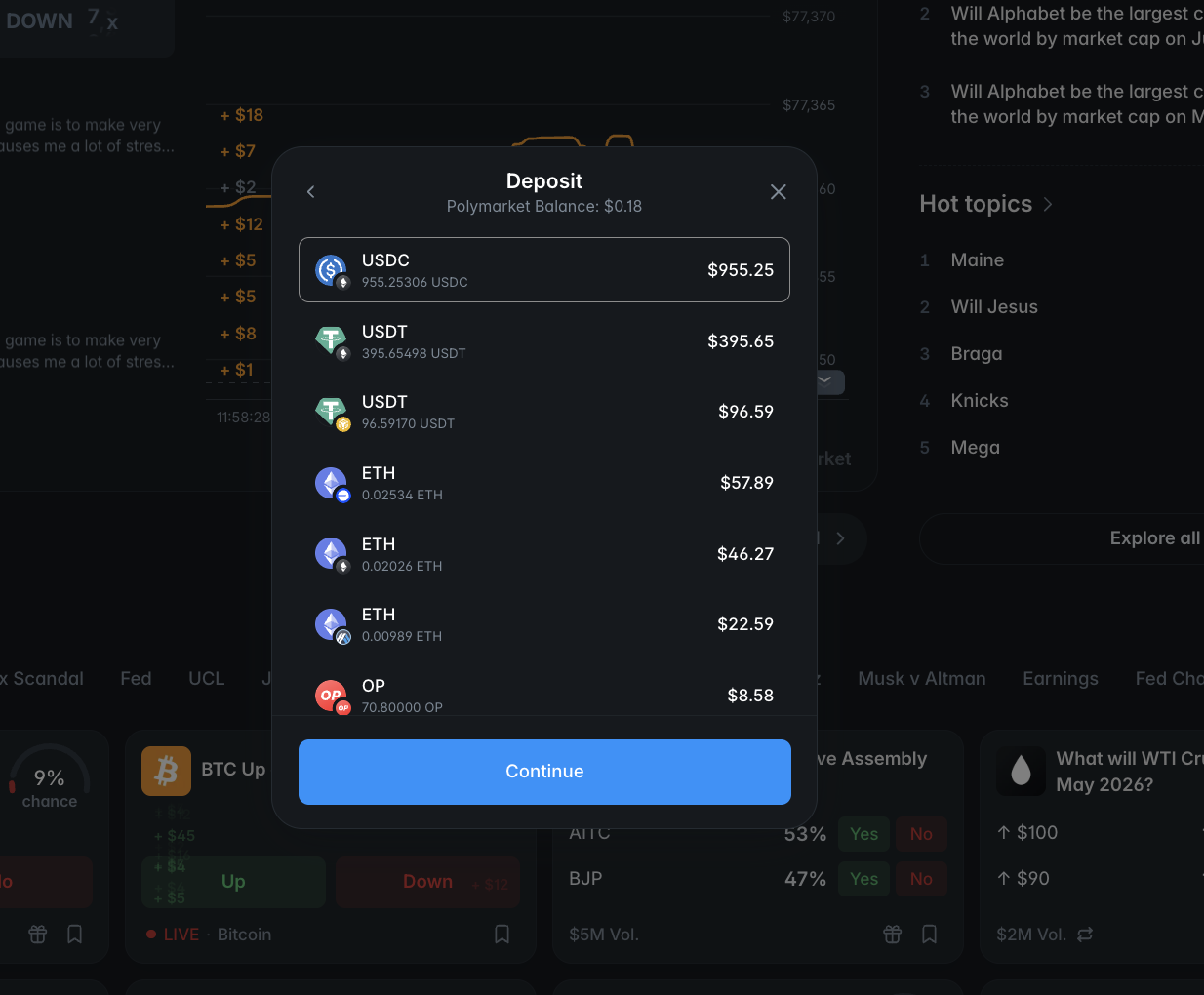
On-chain deposit (cheapest, fastest for crypto-native users): click Deposit in your dashboard, select Deposit Crypto, and copy the displayed Polygon address. Send USDC from your source wallet or exchange. Critical: the source side must be on the Polygon network. Sending USDC on Ethereum, Solana, BSC, or any other chain to a Polygon address can result in permanent loss. Tron-network USDT is not the same asset - Polymarket only accepts USDC on Polygon.
If you only have funds on Ethereum mainnet, use a bridge - Polygon’s official bridge or a third-party (Across, Hop) - to move USDC to Polygon first.
Fiat onramp (simpler, more expensive): click Deposit Cash or the fiat option. Polymarket integrates third-party providers (MoonPay and similar) to convert your card or bank transfer into USDC on Polygon. Fees typically run 3 to 5 percent above mid-market, plus card processor charges. Convenient for a first deposit, expensive at scale.
Test small first. Deposit 20 to 50 USDC on a first round-trip. Confirm it arrives in your Polymarket balance. Then withdraw a tiny amount to your self-custody wallet and confirm that round-trip works as well. Only scale to your full intended size after both legs work.
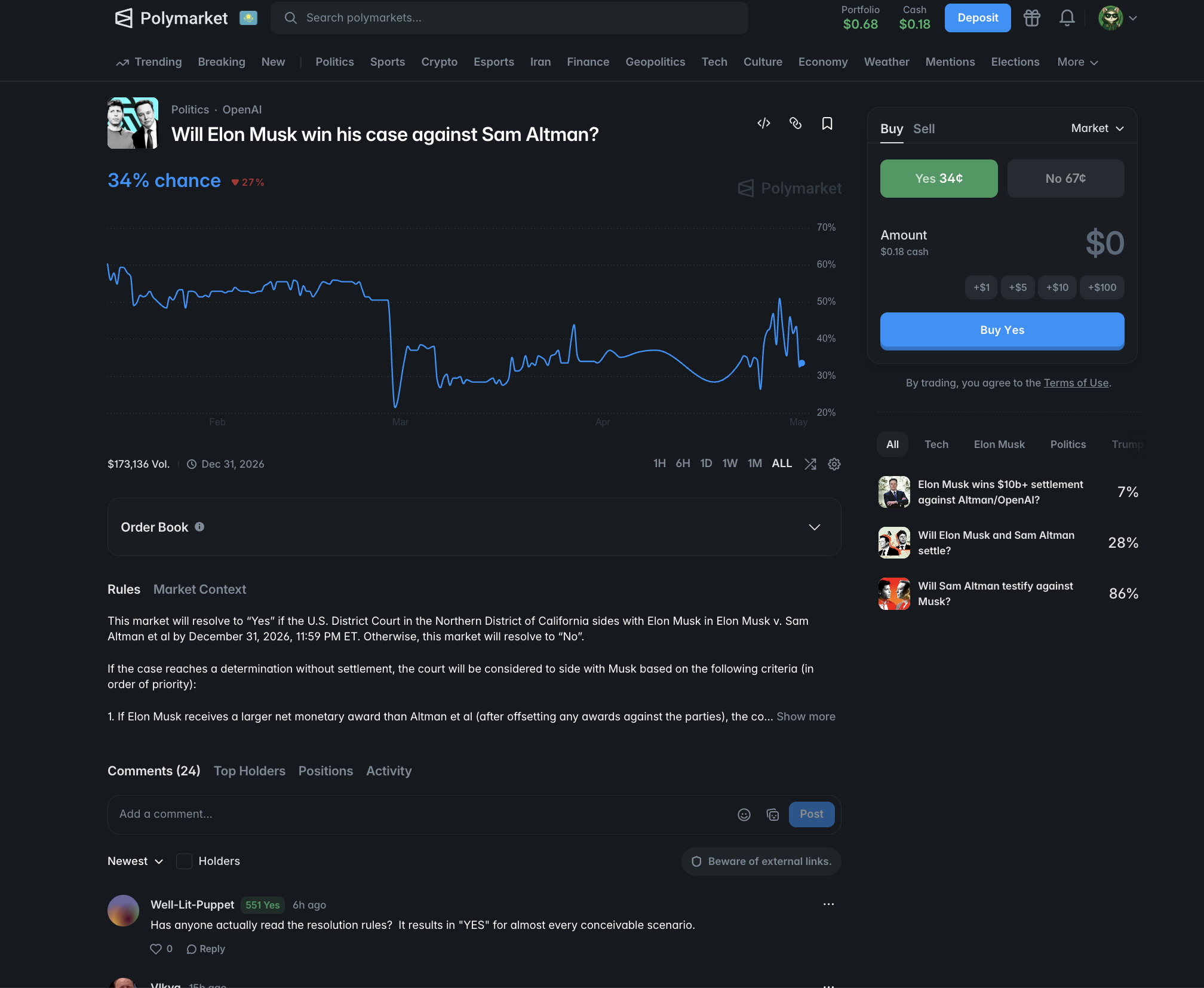
Step 6: Browse markets and find ones you understand
Click Markets in the top navigation. Markets are grouped by category - Politics, Sports, Crypto, Pop Culture, Geopolitics, and others. Each card shows:
- Question (e.g. “Will the Fed cut rates by July 2026?”)
- Implied probability (the YES price, expressed as a percentage)
- Volume (total USDC traded since the market opened)
- Resolution date or condition
- Liquidity (how deep the order book is)
For your first prediction, stay in topics you genuinely follow. Edge in prediction markets comes from information asymmetry - you knowing something a marginal trader does not. Betting on niche elections without local context is the fastest way to lose money to better-informed counterparties.
Avoid extremely thin markets on the first session. Look for daily volume over 50,000 USDC; below that, the spread between bid and ask alone can eat 5-10 percent of your stake.
Step 7: Place a small first prediction
Click into a market. You see the order book on one side and the YES/NO buttons on the other. Below those, a chart of historical YES probability over time.
To bet that the outcome will happen, click Buy YES at the displayed price. To bet it will not happen, click Buy NO. Enter the USDC amount you want to commit. The interface shows:
- Shares purchased (USDC ÷ price = shares)
- Maximum payout (1 USDC per share, if you win)
- Implied probability after your trade (your trade itself moves the price)
- Average price of your position
Keep first stakes small - 5 to 25 USDC is enough to feel the mechanics without risking material capital. Confirm and approve the on-chain transaction (gas paid in MATIC; Polymarket usually sponsors gas at the dashboard level for embedded wallets, so you may not need to hold MATIC separately).
You can sell your position at any time before resolution by clicking Sell on your portfolio page. The price you receive is whatever the market pays at that moment - the same as a normal exchange.
Common mistakes new users make
- Sending USDC on the wrong network. Polymarket only accepts USDC on Polygon. ETH-network USDC sent to a Polygon address is bridged-or-lost depending on the address structure. Always select Polygon on the source side.
- Skipping email 2FA. For embedded-wallet accounts, your email is the master credential. An email compromise = funds compromise.
- Betting on markets you do not understand. Niche elections, foreign-language sports outcomes, and obscure crypto narratives are graveyards for casual money. Stay in your circle of competence.
- Concentrating on one market. Even high-confidence markets resolve against you sometimes. Diversify across three to five concurrent positions, ideally across categories.
- Holding to resolution when you should sell. If your thesis is wrong but the market still gives you 30 percent of your stake back, take it. Do not anchor to the original entry price.
- Ignoring the dispute window. Some markets resolve, then get disputed, then re-resolve. Check the resolution status before celebrating a win.
- Not testing a withdrawal. Always confirm you can pull funds off the platform before scaling deposits.
Your 7-day checklist
- Day 1: Sign up by email, secure the email with 2FA. Or connect a wallet you already control with a backed-up seed.
- Day 2: Deposit 20-50 USDC on Polygon. Confirm the balance shows in your dashboard.
- Day 3: Browse markets in two categories you actually follow. Bookmark three you think you have insight on.
- Day 4: Place a 5-10 USDC test position on the strongest of the three. Note your reasoning in writing.
- Day 5: Withdraw 5 USDC to your self-custody wallet to verify the off-ramp works.
- Day 6: Place a second small position in a different category. Diversify.
- Day 7: Review your two positions, write a one-paragraph post-mortem regardless of outcome. The point of a first week is calibration, not profit.
After your first session
For markets to bet on smartly, follow the news flow tightly - Polymarket prices move on developments before mainstream coverage. Set up alerts in markets you have positions on, and check the dispute window before treating a resolution as final.
Read our methodology for the framework we use to evaluate platforms (it applies to prediction markets as much as exchanges). Run trade economics through our fee calculator - Polymarket itself is fee-free, but moving USDC in and out has costs worth modelling.
Open an account: Register on Polymarket See the affiliate disclosure for full detail.
Frequently asked questions
How long does it take to register on Polymarket?
Two to three minutes for email-based signup, including the magic link verification. Wallet-based signup with MetaMask or WalletConnect is faster - under one minute if your wallet is already installed. Funding with USDC takes another 5 to 30 minutes depending on the deposit method (on-chain transfer is fastest; fiat onramp via MoonPay can take longer).
Do I need KYC to use Polymarket?
Email signup with the embedded wallet does not require KYC for basic trading. Higher deposit, withdrawal, or fiat-onramp tiers may trigger identity verification depending on your jurisdiction and the on-ramp provider used. Polymarket has expanded compliance after the 2024-2025 regulatory developments - verify the current policy for your country before depositing larger amounts.
Is Polymarket available in the United States?
Polymarket exited and re-entered the US market through a regulatory pathway following its 2024 CFTC settlement. As of 2026, US access is offered through a regulated entity with KYC requirements. Verify the current eligibility on the Polymarket site for your state - availability and product scope can vary.
What are Polymarket fees?
Trading fees on Polymarket are zero at the protocol level - no maker or taker fee on most markets. The costs you do pay are network gas fees on Polygon (typically a few cents) and any provider fees on fiat onramps (MoonPay or similar - usually 3 to 5 percent above mid-market). Withdrawals to external wallets pay only gas.
What network does Polymarket use?
Polymarket runs on Polygon (a Layer 2 sidechain to Ethereum). All trading and settlement happens on Polygon in USDC. When depositing or withdrawing USDC, you must select the Polygon network on the source side. A wrong-network transfer can result in permanent loss of funds.
Can I lose more than I deposit on Polymarket?
No. Polymarket is not a leveraged product. Each prediction position costs you exactly the amount you commit; the maximum loss per position is the price you paid for the share. Outcomes resolve to 1 USDC for the winning side and 0 for the losing side. There is no liquidation, margin call, or negative balance.
How do market outcomes resolve on Polymarket?
Markets resolve through UMA's optimistic oracle: a proposer suggests the outcome, and there is a dispute window during which anyone can challenge it by posting a bond. If undisputed, the outcome is final. If disputed, UMA's DVM resolves it. Resolution can take from minutes to several days depending on disputes.
#Polymarket#registration#how-to#prediction markets#USDC
Discussion
Loading comments…