
Crypto’s “without KYC” trade-off in 2026 is narrower than it was three years ago. Most major centralized exchanges now require verification at signup or push you into KYC well before any sizeable withdrawal. BingX is one of a shrinking group of large venues where email-only registration still unlocks the full trading product – spot, futures, and copy trading – at a Standard tier cap that’s enough for retail but not for institutional flow. This guide covers what you actually can and can’t do without KYC, when verification gets forced anyway, and the security setup that matters more because you’re skipping the ID step.
Not financial advice. Crypto trading is high risk. Copy trading delegates execution to another trader and can amplify losses. “Without KYC” means without an ID document at signup – not anonymous. BingX still logs your email, IP, device, and on-chain addresses. Read the risk disclaimer before depositing.
What “without KYC” actually means on BingX
BingX uses tiered identity verification:
- Standard (email only). Default tier after email signup. Full trading product enabled – spot, futures, copy trading, the leaderboard, and the affiliate program. The withdrawal cap is jurisdiction-dependent and lower than the verified ceiling.
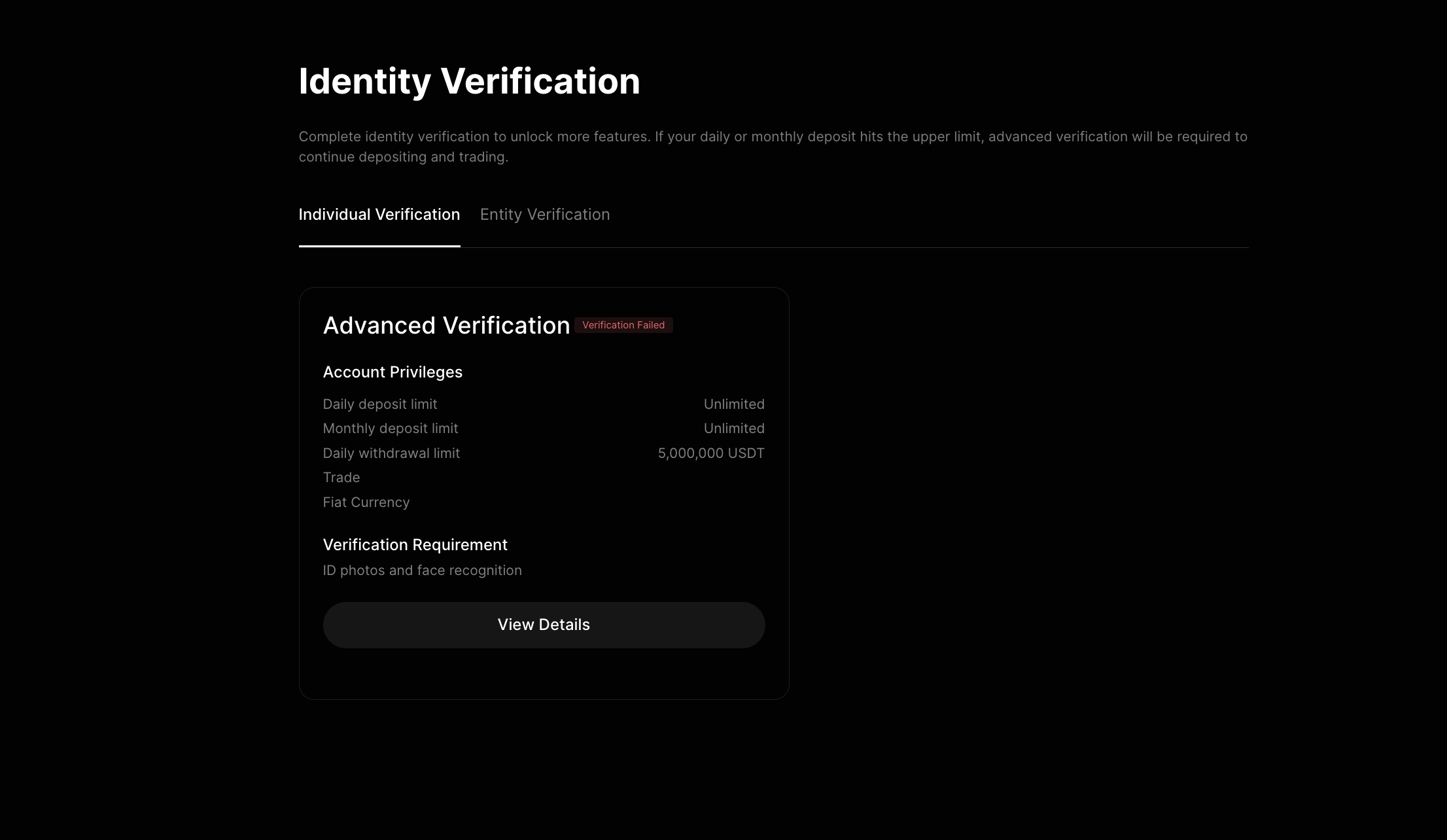
- Advanced Verification (KYC). Government ID plus liveness selfie. Daily withdrawal cap rises to 5,000,000 USDT, fiat on-ramps unlock in supported countries, and AML reviews are less likely to lock the account.
If your trading volume and withdrawal needs fit inside the Standard tier and you accept the privacy trade-off – BingX still has your data, just not a passport – email-only is a legitimate path.
Before you start: where this works
Email-only signup works in most non-EU, non-UK, non-Australia, non-Singapore-retail jurisdictions: Russia, Turkey, much of LATAM, MENA, large parts of Asia. The signup flow itself is the source of truth – if BingX prompts you for an ID during registration, your jurisdiction now requires it under MiCA, local AML, or platform policy. There’s no clean workaround for those.
The fully restricted list is hard-blocked regardless of KYC status: United States, Cuba, Iran, North Korea, Syria, Crimea, Donetsk and Luhansk regions, Singaporean retail. Don’t try to register from one of these via VPN – it ends in a closed account and frozen funds.
Step 1: Open BingX and start the signup form
Start signup: Register on BingX
Click Sign Up in the top-right of the homepage. You’ll see two options: Email and Phone Number.
Choose Email. Phone signup ties the account to a SIM, which adds a dependency without lowering the privacy floor – BingX still logs the same data either way, and SIM-swap attacks against phone-bound exchange accounts are common.
Step 2: Use a clean email and a unique password
The email you use determines the account’s blast radius if any of your other services get breached. Don’t reuse a primary email that’s been in past data breaches – check at haveibeenpwned.com before deciding. A new alias from a privacy-conscious provider (ProtonMail, Tutanota) is a good upgrade if your main email is exposed.
The password must be 8 to 32 characters with mixed case, numbers, and a special character. Generate it from a password manager (1Password, Bitwarden) and don’t write it down anywhere unencrypted. Credential reuse is the #1 attack vector against retail crypto users – by far.
If you arrived via a referral link, the Referral Code field is pre-filled. Using a referral does not change your fees, limits, or KYC requirements – it credits the referrer with a portion of BingX’s revenue from your trading and has zero effect on your account.
Step 3: Verify the email – no ID required
BingX sends a 6-digit code to the address you used. Enter it within 10 minutes (the code expires). Once submitted, the account is created at the Standard tier and you land on the trading dashboard.
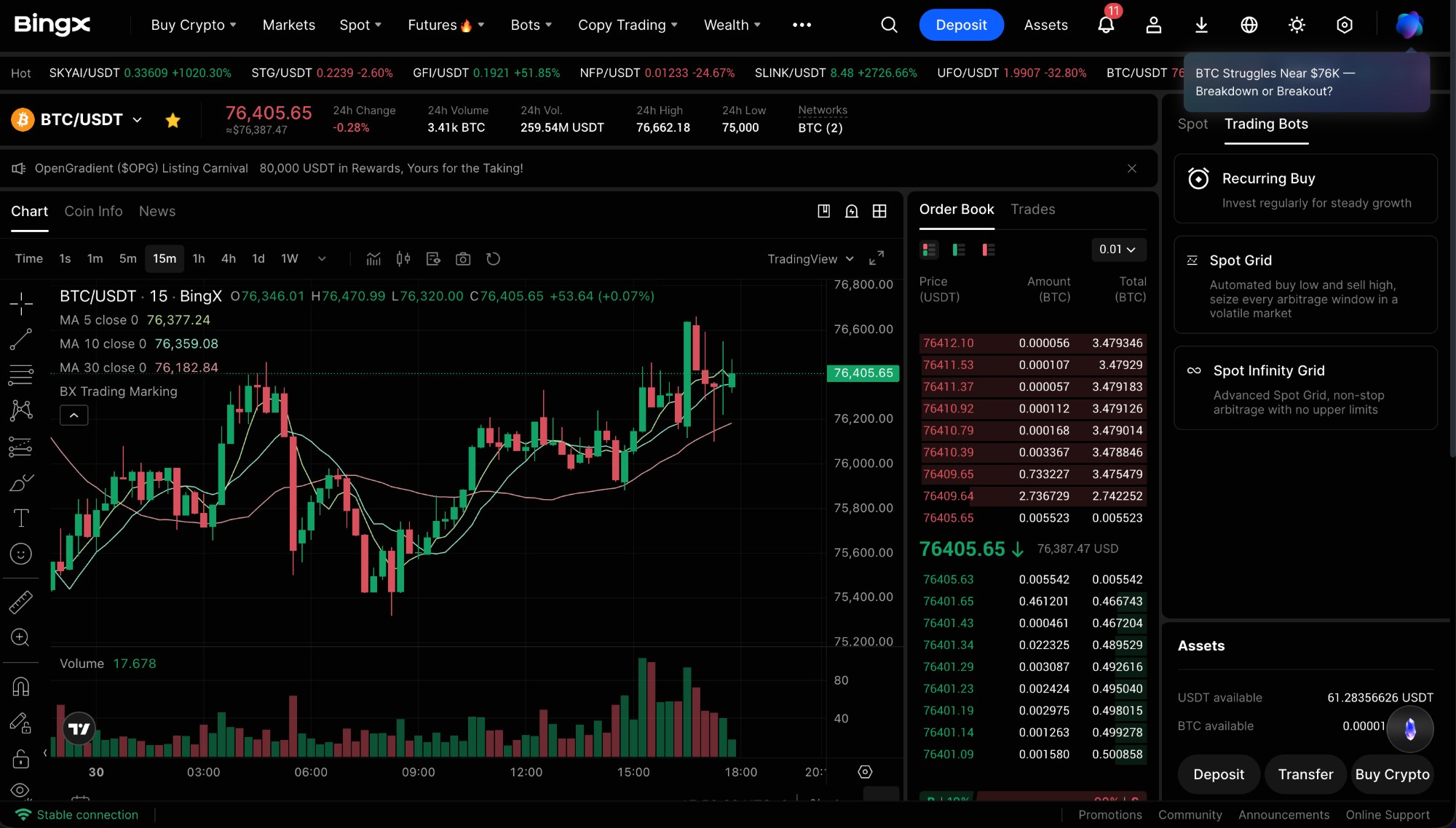
That’s the full “without KYC” path. From this point, spot, futures, and copy trading are all available. No document upload. No liveness check.
Step 4: 2FA and anti-phishing – these matter more without KYC
Without KYC, BingX has fewer non-cryptographic identity-recovery levers if your account is compromised. That makes the cryptographic security setup non-optional.
Enable 2FA in the first session. Profile icon → Security Settings → Two-Factor Authentication → Google Authenticator (not SMS). Install Google Authenticator, Authy, 1Password TOTP, or Raivo on your phone. Scan the QR code BingX shows. Save the backup codes somewhere offline (paper, password manager, second device).
Set an anti-phishing code. Security Settings → Anti-Phishing Code. Pick a 4–20 character string that BingX will include in every legitimate email. Any “BingX” email without your code is fake. Phishing is the second-most-common attack vector after credential reuse.
Step 5: Standard-tier limits – what you can actually do
At Standard tier with no KYC:
- Spot trading. Full market access.
- Futures trading. USDT-margined and coin-margined perpetuals available.
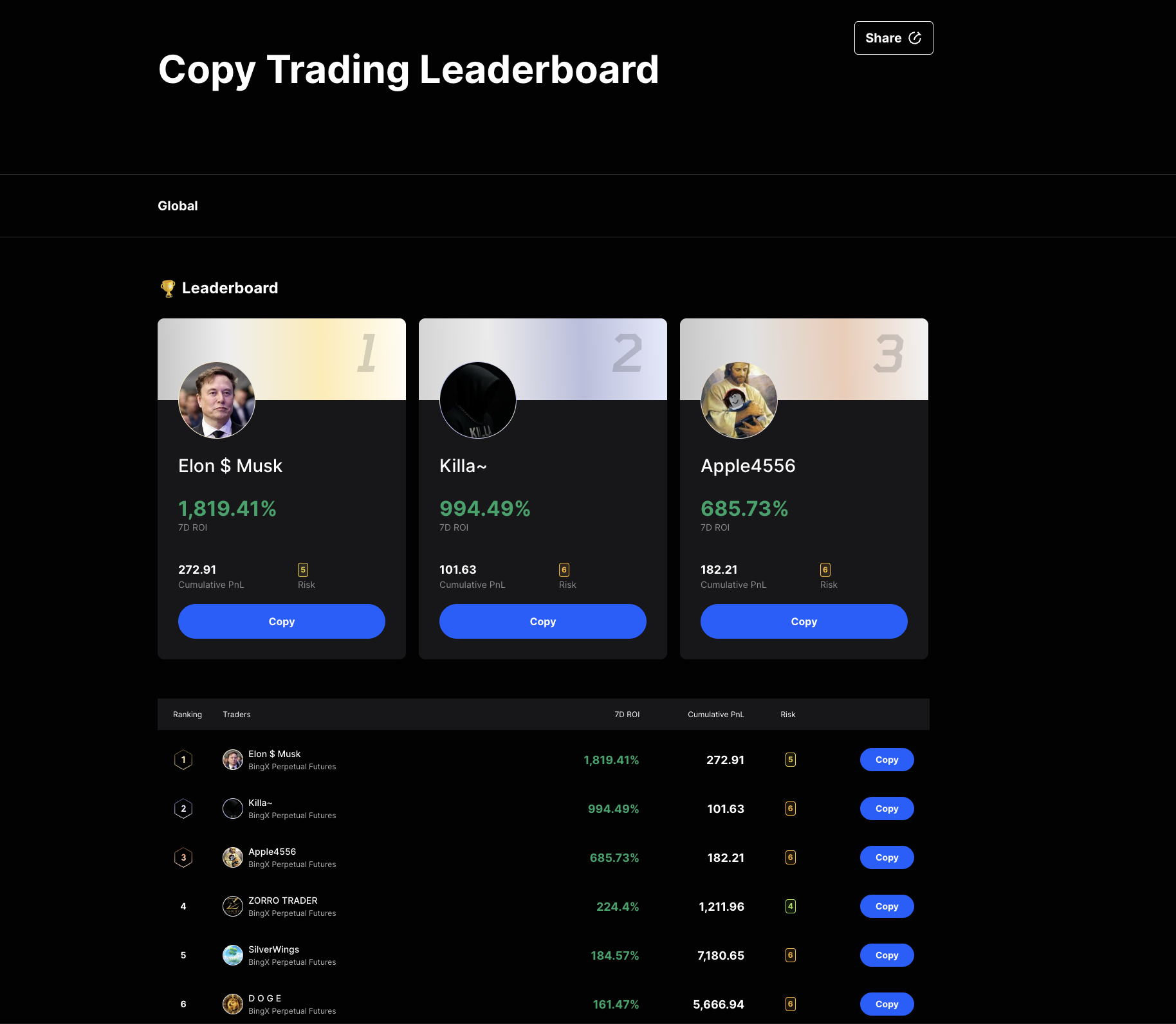
- Copy trading. Full leaderboard, full filter set, full allocation flow.
- Crypto-to-crypto deposits and withdrawals. Subject to the Standard daily withdrawal cap.
- Affiliate program. Available regardless of tier.
What’s gated behind KYC:
- The 5,000,000 USDT/day withdrawal ceiling
- Fiat on-ramps in supported countries (card deposit, P2P fiat in many regions)
- Faster recovery if the account is locked under an AML review
- Some VIP tiers and institutional features
If your monthly volume fits inside Standard and you fund through stablecoin transfer, the Standard tier is functionally complete.
Step 6: Fund the account with stablecoin only
Without KYC, your only realistic deposit path is on-chain stablecoin transfer. Fiat card or bank options either require verification or aren’t available at this tier in most regions.
In the dashboard, click Deposit. Choose USDT or USDC and pick a network – Tron / TRC20 for USDT is fastest and cheapest, Ethereum / ERC20 is slowest and most expensive. Critical: the network you select on BingX must match the network you send from on the source side. A wrong-network transfer can result in permanent loss of funds.
Test small first. Send 50 to 200 USD on the first deposit, wait for confirmations (1 on Tron, 6 on Bitcoin, 12 on Ethereum), then attempt a small withdrawal back out. If the round-trip works, scale up. Never deposit your full intended trading capital on the first session.
Step 7: When BingX may still force KYC
Three situations turn a no-KYC account into a forced-verification one:
- Jurisdiction change. If you registered in a non-KYC country and travel to / log in from a country that now requires verification under MiCA or local AML, BingX may pause withdrawals until you complete it.
- AML review trigger. Large deposits, suspicious counterparties, sanctions screening matches, or unusual trading patterns can flag the account. Trading and copy positions may remain open, but withdrawal is blocked until verification clears the review.
- Withdrawal threshold. As you approach the Standard cap, BingX prompts for verification before authorizing the next outbound transfer.
If you don’t want to complete KYC at all, plan around these triggers – keep deposits in tranches under flag-able size, withdraw incrementally, and self-custody anything that’s not active trading capital.
Common mistakes
- Treating “without KYC” as anonymous. BingX still has your email, IP, device, and on-chain addresses. Anything sent in or out is on a public ledger.
- Reusing the email or password from another service. Single biggest takeover vector. Both must be unique to this account.
- Skipping 2FA on day one. Email-only login plus a leaked password from another breach equals an account that’s already gone.
- Using a VPN that flags as a known proxy. Triggers AML review even if your real location is fine.
- Storing more than active trading capital on the exchange. Standard tier doesn’t change custody risk – withdraw long-term holdings to a self-custodial wallet (a hardware wallet is best).
- Ignoring the anti-phishing code. Phishing emails are convincing. The code is your single fastest filter.
When to consider Advanced Verification
Complete KYC if:
- Your monthly volume is approaching the Standard withdrawal cap
- You want fiat on-ramps in your region
- You expect to hold a meaningful balance and want faster recovery if the account is locked
- Your jurisdiction now requires it and the platform is prompting you
Until any of those is true, Standard tier is a defensible setup – provided the security hygiene is in place and self-custody handles long-term holdings.
Read next
- BingX review → – fees, security incidents, jurisdictional restrictions, methodology score
- BingX vs OKX → – same-rubric comparison if you’re picking a venue
- BingX signup walkthrough → – the full version with Advanced Verification
- Methodology → – how we score exchanges and lead traders
- Risk disclaimer → – leverage, drawdown, and copy trading caveats
Open an account: Register on BingX See the affiliate disclosure for full detail.
Frequently asked questions
Can you really use BingX without KYC?
Yes – email registration unlocks BingX's Standard tier immediately. Spot, futures, and copy trading all work without an ID document. Advanced Verification (BingX's name for KYC) is required only to lift the daily withdrawal cap to the 5,000,000 USDT tier and to unlock fiat on-ramps. New accounts in EU member states, the UK, and Australia may face mandatory verification at signup due to MiCA and local AML rules – there is no workaround for those jurisdictions.
What's the withdrawal limit on BingX without KYC?
BingX does not publish a single global Standard-tier cap and the limit varies by country and asset. In most jurisdictions, the no-KYC daily withdrawal limit on common assets sits in the low five-figure USD-equivalent range – enough for retail trading but not for moving institutional size. AML review thresholds can also restrict the account temporarily regardless of tier. If you plan to move six figures, complete Advanced Verification.
Is registering without KYC anonymous?
No. 'Without KYC' means without an ID upload at signup – not anonymous. BingX still records your email, IP, device fingerprint, and on-chain deposit and withdrawal addresses. Those records can be linked to identity through chain analysis or later subpoena. If anonymity is the goal, a centralized exchange is the wrong tool.
Can I copy trade on BingX without KYC?
Yes. Standard-tier accounts can browse the leaderboard, allocate capital across lead traders, and run the full copy strategy without uploading any document. The only Standard-tier restrictions are the daily withdrawal size and (in some regions) fiat on-ramp access.
When does BingX force KYC even if I tried to skip it?
Three scenarios: the registration country requires verification at signup (EU, UK, Australia and others under MiCA / local AML); the account hits an AML review trigger such as a high-volume deposit or sanctions match; or you want to use fiat on-ramps, P2P, or higher withdrawal tiers. In any of those cases trading may continue but withdrawals are paused until verification is submitted.
Which countries can sign up on BingX without KYC?
As of 2026, most non-EU, non-UK, non-Australia, non-Singapore-retail jurisdictions allow Standard-tier signup with no document upload – common examples include Russia, Turkey, much of LATAM, MENA, and Asia ex-Singapore. The signup flow is the source of truth: if BingX prompts you for an ID document during registration, your jurisdiction now requires it. The fully restricted list – US, Cuba, Iran, North Korea, Syria, Crimea, Donetsk, Luhansk, Singaporean retail – is hard-blocked regardless of KYC status.
Should I use a VPN to register without KYC?
No. BingX geo-blocks restricted IPs, and registering from a blocked country via a VPN is a terms-of-service breach that can result in account closure and frozen assets. Even from a non-restricted country, a VPN that flags as a known proxy can trigger an AML review. Either you can sign up legitimately from your real location, or pick a different platform.
#BingX#KYC#registration#no-KYC#privacy#copy trading#security
Discussion
Loading comments…